
If you see an error when trying to create a database, please check if the MySQL server is installed and running.
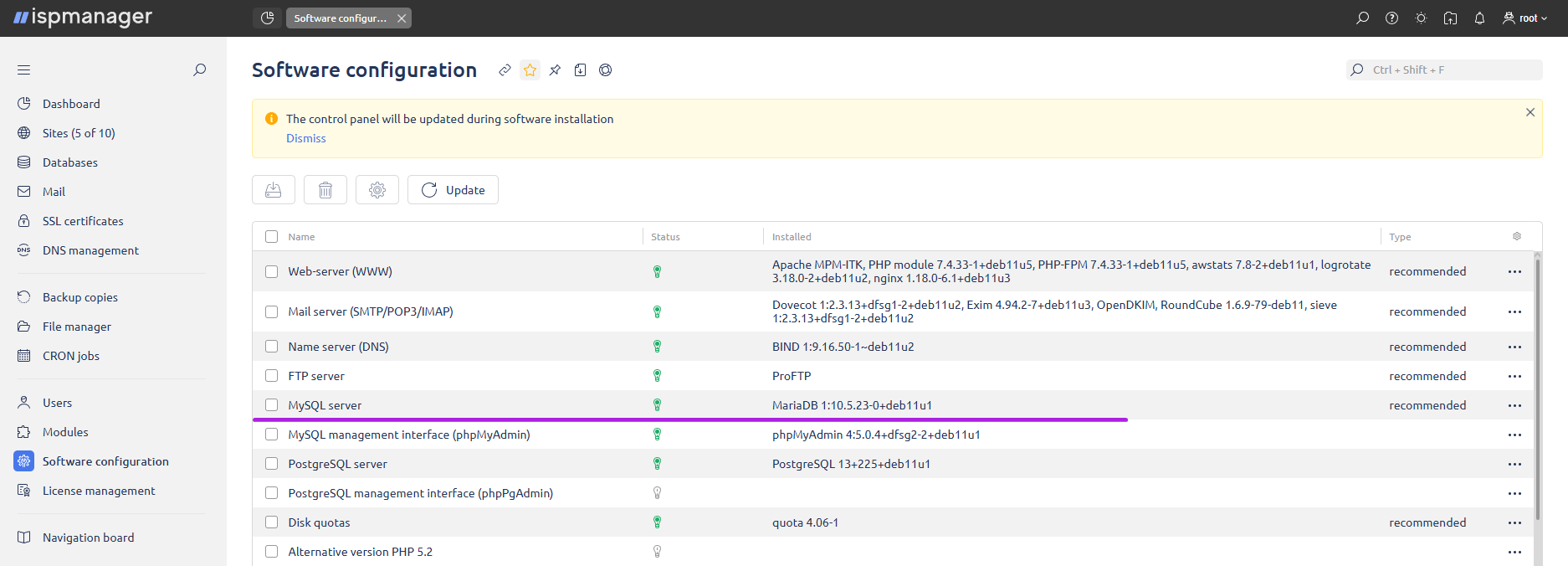
Go to Software Configuration and check the line MySQL Server — a green light bulb should be lit opposite. If the light bulb is white, highlight the line and click Install.
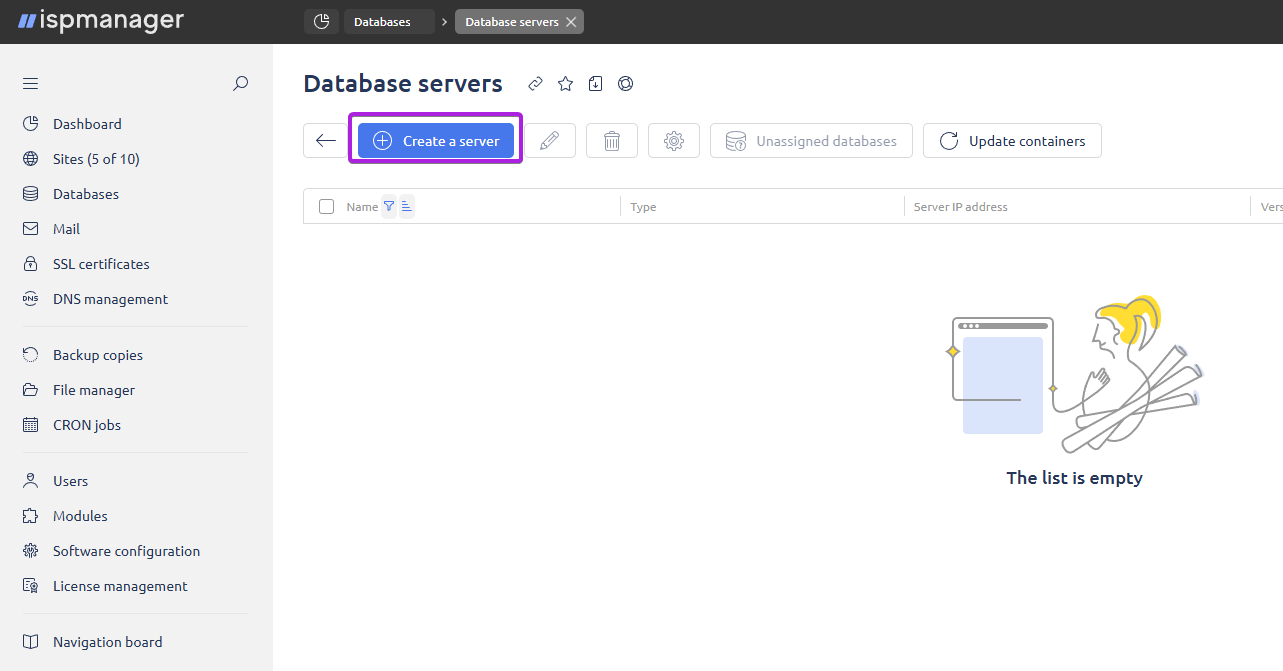
After that, go to the Databases section — Database Servers button. If there are no database servers in the list, then click Create on the toolbar. After installation, create a database server by clicking the Create button in the current window.
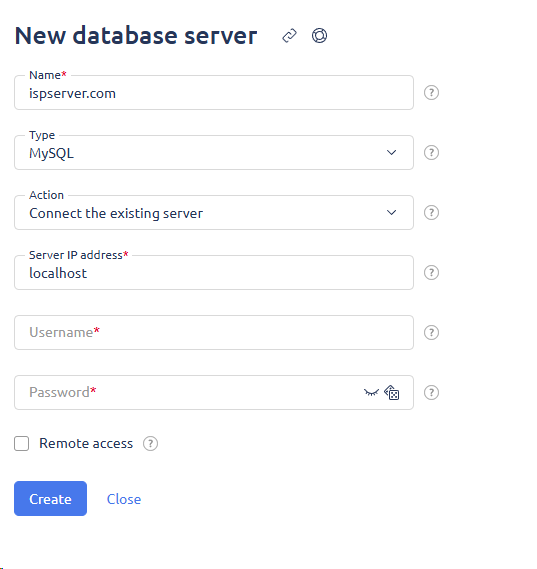
Fill in all the fields and click OK. A new server will appear in the list of database servers.
If the error still remains, then use the console to connect to the server and restart MySQL with the command:
Ubuntu/Debian OS:
systemctl restart mysqlCentos 7 OS:
systemctl restart mariadb